
Last updated: October 2026 · Amiprofits
An Amibroker data feed free trial only helps if you test the right things. Amiprofits offers a free 3-day demo, and the checklist below shows what to check in those three days so you know whether the feed is worth paying for.
If you decide to continue, new users pay ₹449 for the first month, then ₹699 a month.
Why a free trial matters more than a price list
Two feeds can quote the same price and behave very differently when the market gets fast. A trial lets you see that with your own symbols, your own charts and your own broker screen next to it. A feature table cannot show you a feed that lags at 9:15 or drops out mid-session.
The 7-point Amibroker data feed free trial checklist
- Connect before the market opens. Install the feed, start AmiBroker and confirm it connects cleanly. Our installation guide walks through it with a video.
- Watch the open. The first few minutes after 9:15 are the hardest test. Check that bars keep forming and nothing freezes.
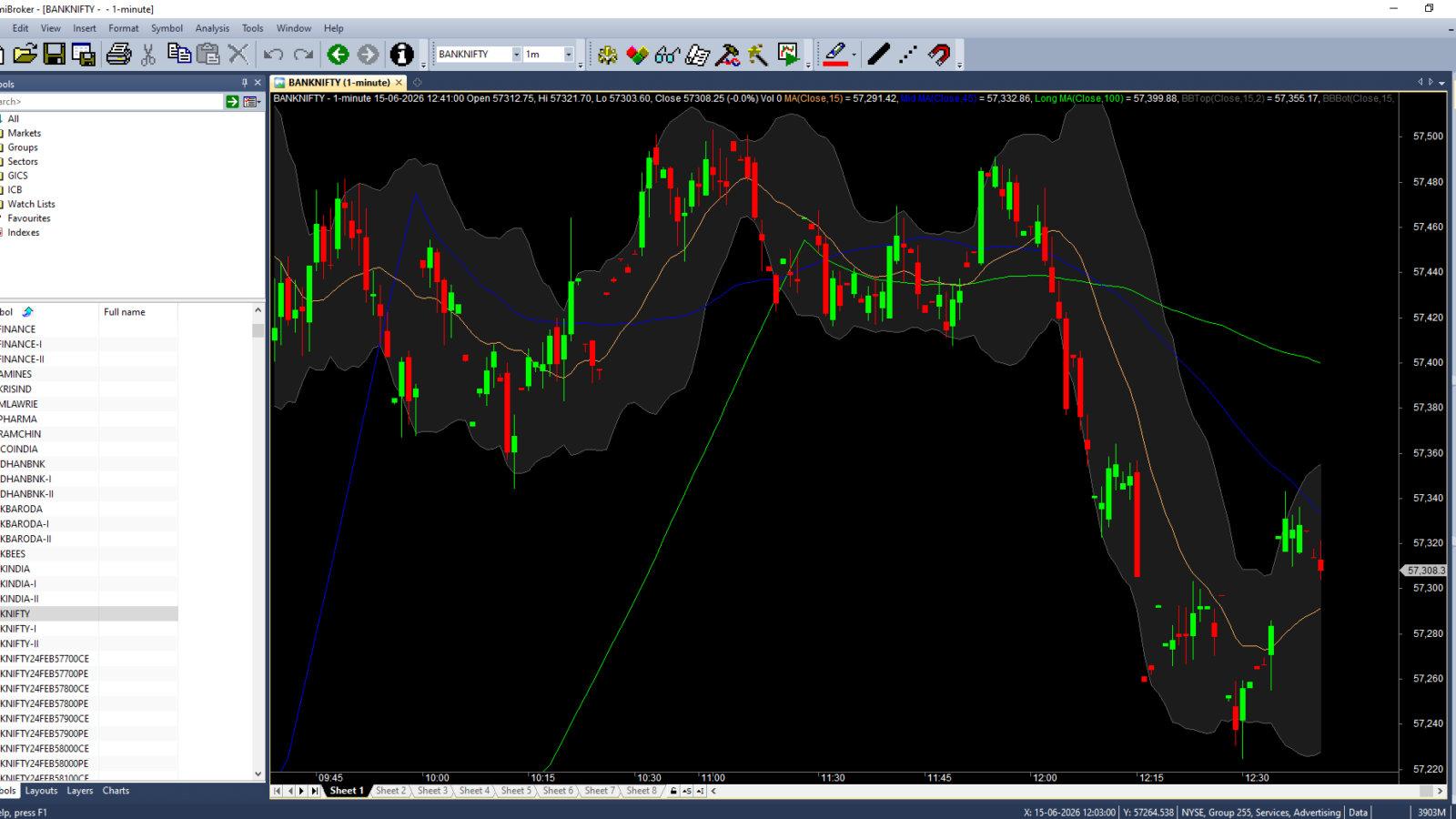
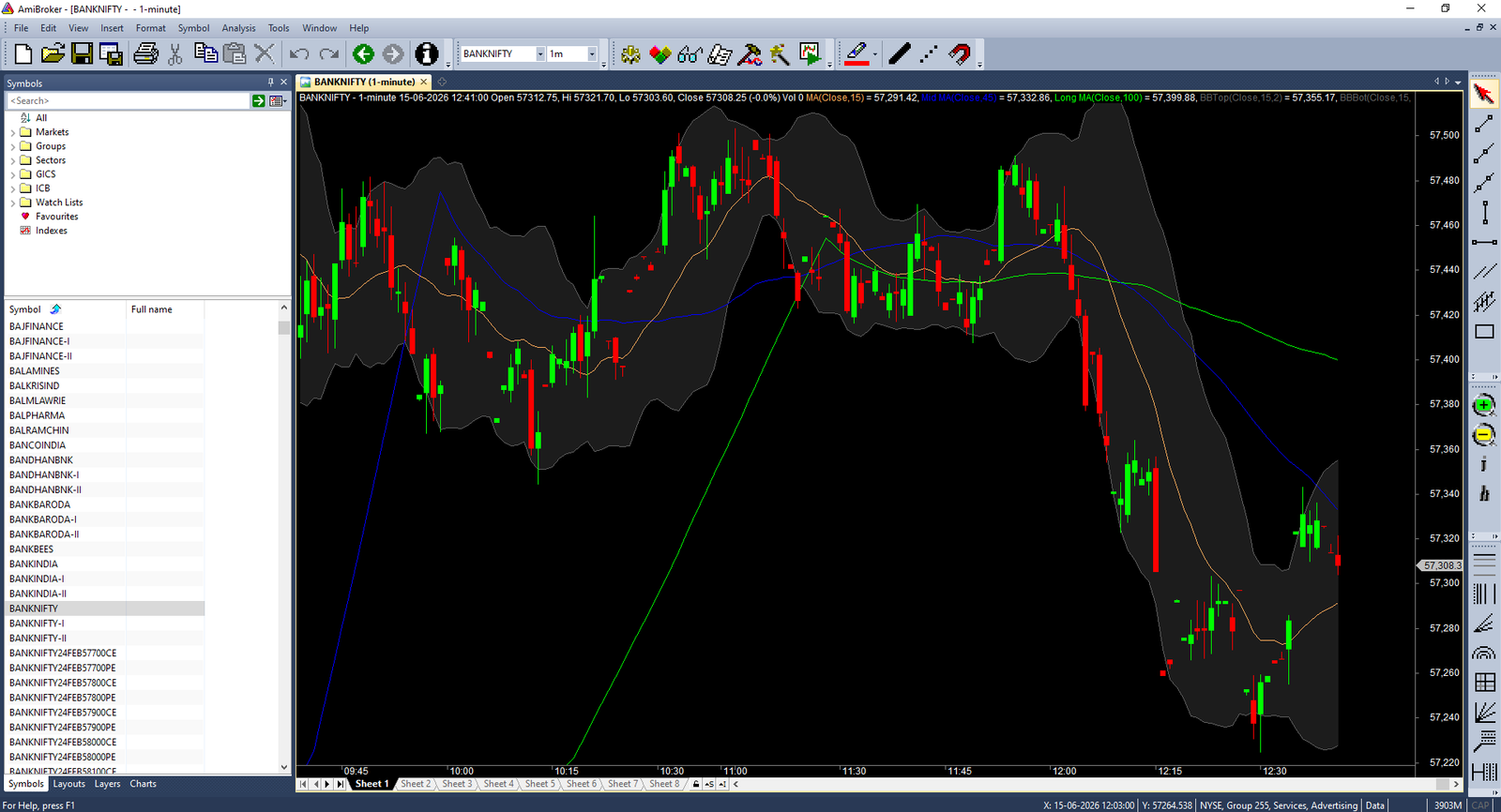
- Confirm it is real tick data. Open a short timeframe and check that prices update continuously, not once every few seconds. See why this matters in our guide to Amibroker tick data.
- Check the backfill. Load history for the symbols you trade. You should see 1 year of 1-minute data and 20 years of end-of-day data, with no obvious gaps.
- Compare against your broker. Put a broker chart next to AmiBroker on a liquid symbol and compare the last price and candle shape.
- Stress it on a volatile move. Wait for a fast move and see whether the feed keeps up. Delay is covered in our latency guide.
- Test support. Send a real question on WhatsApp or live chat and see how quickly you get a useful answer.
Mistakes people make during a trial
- Testing only EOD data when they plan to trade intraday.
- Checking one symbol instead of the full watchlist they actually use.
- Never opening a chart during the first minutes of the session.
- Skipping the support test, then finding out later that nobody replies.
Keep notes as you go. Write down the time, the symbol and what you saw each time something looks off, because that makes it easy to show support exactly what happened and to judge fairly whether the problem was the feed or your own setup. AmiBroker’s own documentation on quotes and data sources explains what the software expects from a feed, which helps when you read your results.
Once you know what you are testing, you can also compare the plans properly. Our Amibroker data feed price guide explains what is included at each level.
Wondering how a data feed differs from your broker screen? Read Amibroker data feed vs broker data.
Already using another feed? See how to switch your Amibroker data feed without losing data.
More from Amiprofits: AmiBroker vs TradingView vs MT5, about Amiprofits and contact Amiprofits support.
Related: Is a 3-month free trial possible? and Amibroker data feed service in Tamil Nadu.
Also read: how to test a feed in 3 days and Amibroker data feed comparison for India. See also all Amibroker data feed guides. Unsure of a term? See the Amibroker data feed glossary.
Frequently asked questions
How long is the Amibroker data feed free trial?
Amiprofits offers a free 3-day demo, so you can run the checklist above across a few real trading sessions.
How do I start the free trial?
Use the free trial button on the Amiprofits homepage. If you have questions before you begin, message support on WhatsApp or live chat.
What should I test first?
Test the market open. If the feed handles the first minutes after 9:15 without lag or gaps, it is likely to hold up the rest of the day.
What does it cost after the trial?
New users pay ₹449 for the first month, then ₹699 a month. That includes tick data, 1 year of 1-minute backfill and 20 years of EOD data.
Having trouble after setup? See Amibroker data feed not working: 8 fixes.
Add a Comment